010203040506070809
Numbered ZIP
Post tile 09 first and tile 01 last. Your newest post shows at the top left of your grid.
Instagram · Grid size
The Instagram grid size today is a 3:4 thumbnail, so a tile that shows whole is 1080 × 1440 px.
Instagram hasn't published that 3:4 shape, so check your own profile before posting a big grid. Then upload one photo, pick 3×1, 3×2, 3×3 or 3×4, and save every tile in a ZIP numbered in posting order.
Profile grid thumbnails show at 3:4 in the app today (unverified: no official Instagram page states it). Feed photos can be up to 3:4, 1080 × 1440, per the Instagram Help Center, checked Nov 26, 2026.
JPG, PNG, WebP or HEIC, up to 20 MB
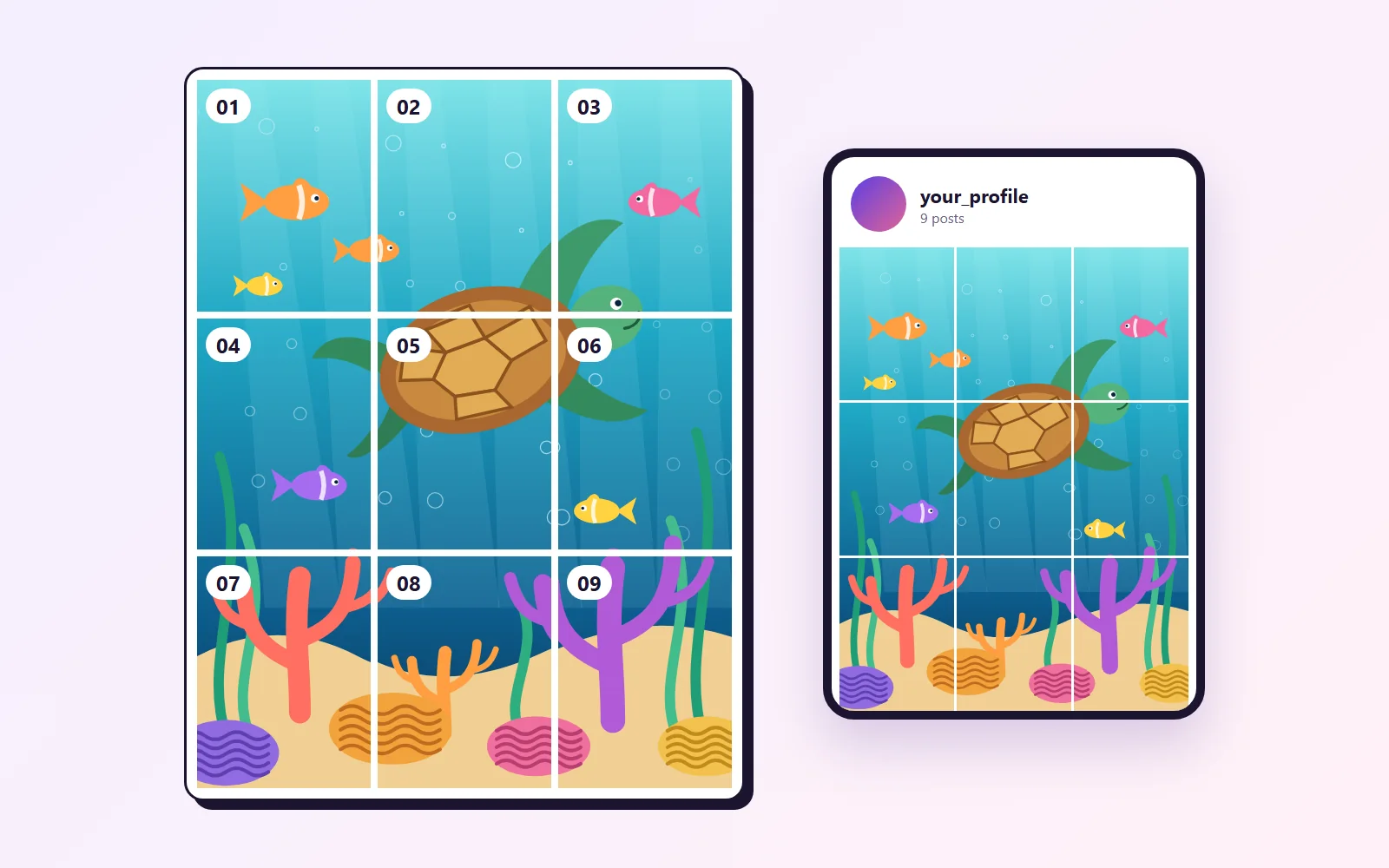 3×1 to 3×4Numbered ZIP
Profile preview
9 tiles · each 1080 × 1440 px
Drop a photo to split, or choose a file
JPG, PNG, WebP or HEIC, up to 20 MB
Tile shape
Profile preview
Preview uses the 3:4 thumbnails the app shows today. Instagram hasn't published the grid size.
Posting order
Post tile 09 first and tile 01 last. Your newest post shows at the top left of your grid.
Post tile 09 first and tile 01 last. Your newest post shows at the top left of your grid.
Preview uses the 3:4 thumbnails the app shows today. Instagram hasn't published the grid size.
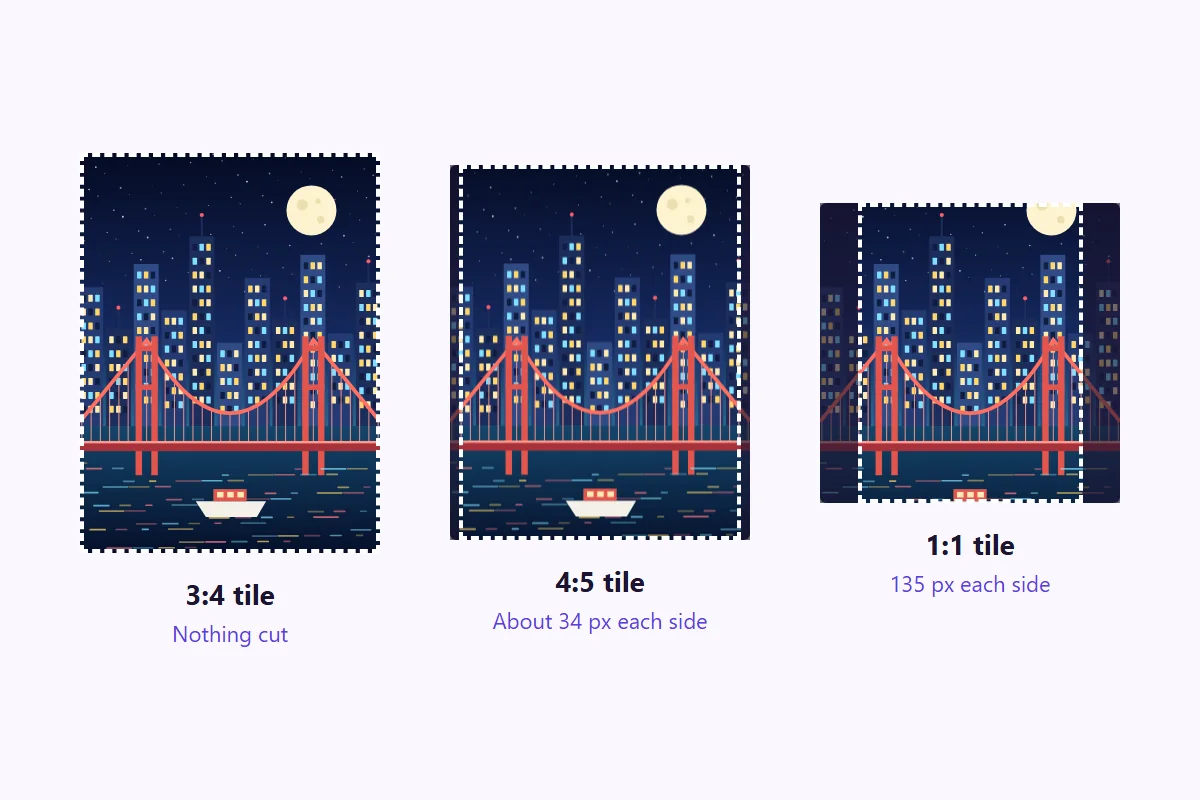
Dashed line = what the profile thumbnail shows
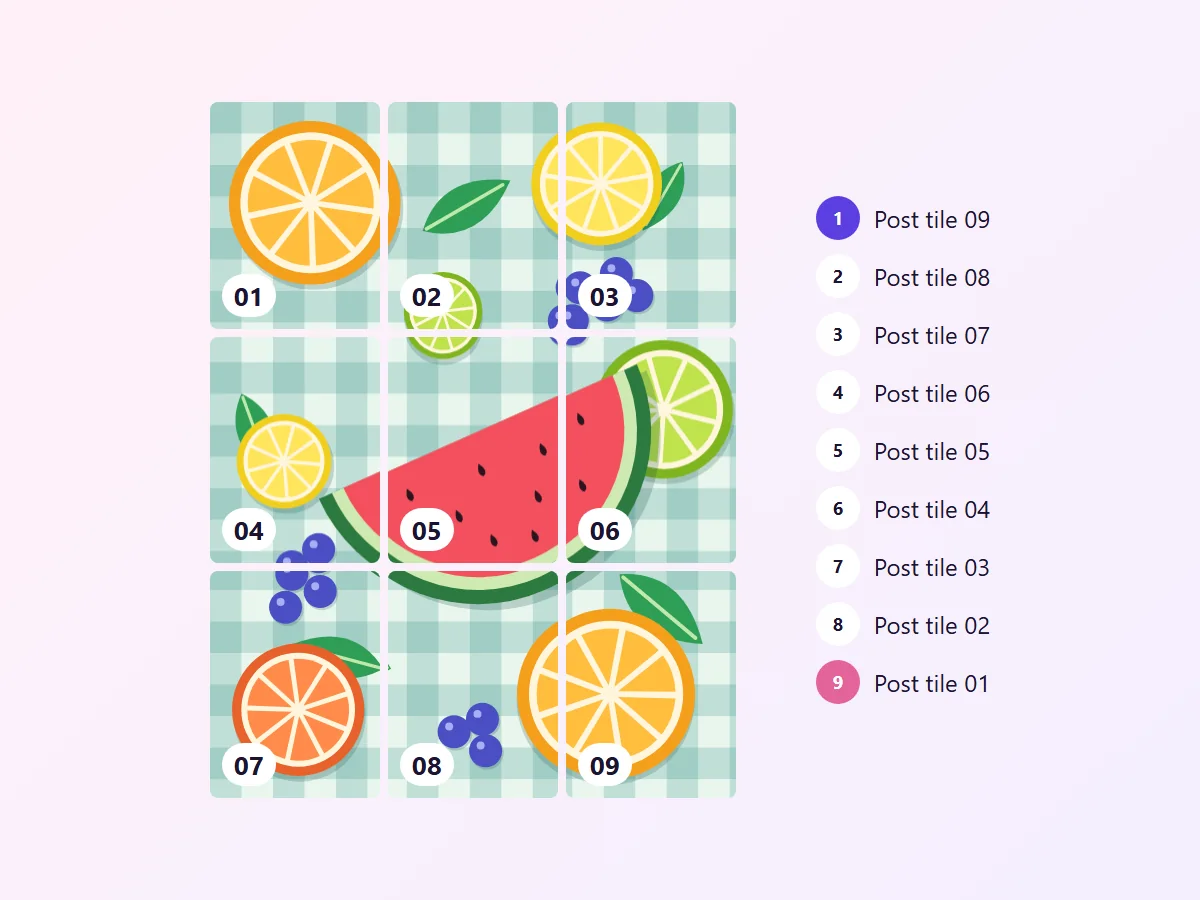
Post tile 09 first and tile 01 last. Your newest post shows at the top left of your grid.
We split one 3240 × 4320 photo into a 3×3 grid in each tile shape. The numbers are worked out from the sizes, so check your profile once the tiles are posted.
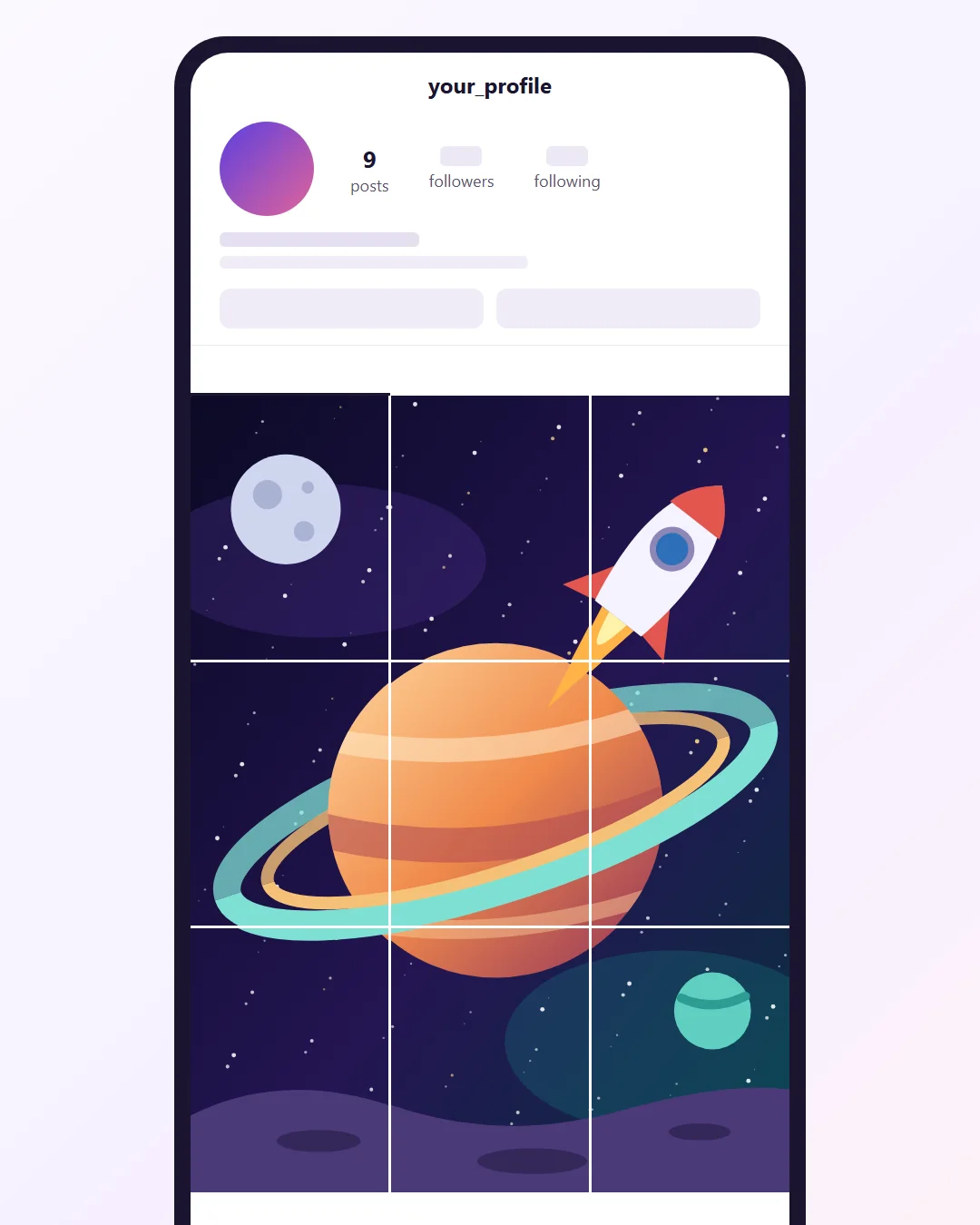
Updated Nov 2026
Profile thumbnails show at 3:4 in the app today. A tile of 1080 × 1440 px fills one cell with nothing cut. Instagram hasn't published this shape.
9 posts, one per tile.
The highest number, at the bottom right. Tile 01, the top left, goes last.
Yes, if the grid shows 3:4. A 1080 × 1080 post loses about 135 px on each side in the thumbnail.
No.
The profile grid used to show every post as a square. In early 2025, the app switched to taller thumbnails that size guides describe as 3:4.
We found no Instagram page that announces the 3:4 grid, so treat it as unverified. Instagram's only published rule we could find is from 2015, when thumbnails were a "center-cropped square".
On a 3:4 grid, each tile shape behaves differently. The table works out what a single thumbnail hides for each shape, assuming the grid is 3:4.
| Tile shape | Tile size | What the 3:4 thumbnail shows | Cut in the grid view |
|---|---|---|---|
| 3:4 | 1080 × 1440 | The whole tile | Nothing |
| 4:5 | 1080 × 1350 | The center 1012 × 1350 | About 34 px each side |
| 1:1 | 1080 × 1080 | The center 810 × 1080 | 135 px each side |
Old square grids look cut at the sides on your profile. A full post still shows whole when someone taps it.
Pages disagree on the grid because Instagram never published one. Here is each claim, where it comes from and how far it can be trusted, with Instagram's own text first.
| Where it's stated | Grid thumbnail | What it covers |
|---|---|---|
| Instagram blog, 2015 | Center-cropped square | The old grid, before 2025 |
| Instagram Help Center, checked Nov 26, 2026 | Not stated | Feed photos up to 3:4, not the grid |
| Buffer size guide, Mar 17, 2026 | 3:4 | The profile grid, no source given |
| Overvisual grid tool, Oct 2026 | 3:4 | The profile grid, no source given |
Until Instagram publishes a size, the safest tile is 3:4. It shows whole on a 3:4 grid and is the tallest feed photo the Help Center lists.
Yes. The splitter runs in your browser, with no sign-up, no watermark and no ads, and there's no limit on how many grids you make.
No. Splitting and zipping happen in your browser. Your photo isn't sent to our server.
You get one ZIP with every tile, or single tiles one by one. The table lists every detail of the files.
| Item | Detail |
|---|---|
| File type | One ZIP with JPG tiles, or single JPG tiles |
| Tile size | 1080 × 1440 (3:4), 1080 × 1350 (4:5) or 1080 × 1080 (1:1) |
| Number of tiles | 3, 6, 9 or 12 |
| File names | beach-01.jpg to beach-09.jpg for a photo named beach.jpg. 01 is posted last. |
| Watermark | None |
| Transparent PNG | Transparent areas become white |
The photo size you need depends on the layout and tile shape. The table below gives the full photo size for each one.
| Layout | 3:4 tiles | 4:5 tiles | 1:1 tiles |
|---|---|---|---|
| 3×1 (3 posts) | 3240 × 1440 | 3240 × 1350 | 3240 × 1080 |
| 3×2 (6 posts) | 3240 × 2880 | 3240 × 2700 | 3240 × 2160 |
| 3×3 (9 posts) | 3240 × 4320 | 3240 × 4050 | 3240 × 3240 |
| 3×4 (12 posts) | 3240 × 5760 | 3240 × 5400 | 3240 × 4320 |
All sizes are three tiles of 1080 px across. A smaller photo still works, but each tile is enlarged and looks softer.
The splitter cuts and numbers tiles, and the rest is up to you in the app. Here is what it leaves out and what to do instead.
| Item | Why | What to do instead |
|---|---|---|
| Post the tiles for you | It has no access to your account | Post them yourself, highest number first |
| Lock your grid in place | Any new post shifts every tile by one | Post in sets of 3 so rows stay whole |
| Promise how Instagram shows the grid | Instagram hasn't published the grid size | Check your profile after the first row |
| Split video | It reads photos only | Use a video editor |
| Make a collage from many photos | It splits one photo | Use a collage app |
A grid is only as tidy as your next post. Plan the rows you post after it so the pattern stays whole.
There are three ways to build a grid post. This table compares them on tile shape, preview and posting order.
| MuteView | Typical grid tools | Posting straight in Instagram | |
|---|---|---|---|
| Tile shape | 3:4, 4:5 or 1:1 | Mostly square | No split option |
| Profile preview before saving | Yes, with crop frames | Rarely | Only after you post |
| Posting order on file names | Yes | Some tools | Not available |
| Sign-up to see the result | No | Some ask for one | Not needed |
| Photo leaves your device | No | Varies by tool | Yes, when you post |
Square-only tools were built for the old grid. On a 3:4 grid, their tiles get cut at the sides.
Choose a photo. A tall shot works best for 3×3 and 3×4.
Pick a layout: 3×1, 3×2, 3×3 or 3×4.
Pick the tile shape: 3:4, 4:5 or 1:1.
Drag the photo until the profile preview looks right.
Press Save all as ZIP.
Post the tiles from the highest number down to 01, one post each.
Each tile is one normal feed post. Use 1080 × 1440 px for 3:4 tiles, 1080 × 1350 for 4:5, or 1080 × 1080 for square.
For one row of 3:4 tiles, 3240 × 1440 px. For square tiles, 3240 × 1080 px.
3240 × 4320 px for 3:4 tiles, 3240 × 4050 for 4:5, or 3240 × 3240 for square tiles.
Size guides say 3:4, and Instagram hasn't published a number. A 4:5 tile loses about 34 px on each side in a 3:4 thumbnail.
Start with the highest number, the bottom right tile, and end with 01, the top left. Your newest post shows first on your profile.
Each new post pushes the others along by one. Post full rows of 3, and unpin posts before you start.
Instagram sizes photos to 1080 px wide on upload. Start with a photo at least 3240 px wide so each tile has enough detail.
A carousel keeps slides inside one post. Use the seamless carousel splitter for that.
Pricing
2 lookups a day signed out; a free account gets 30 a month, up to 5 a day. Pro adds 200 lookups a month; lookup packs never expire.
$5.99/ month