




Free · No Instagram login · ZIP or one video

Instagram Highlight Downloader

Paste a public username, pick a highlight, and save it the way you need it: one clip at a time, the clips you tick as one ZIP, or every clip joined into one video. Files come as Instagram serves them, not re-encoded, and are named in the order they were posted.

Try:

2 free lookups a day. Sign in for 5 a day. Profiles with no highlights do not count.

: 5 lookups a day and share links that don't expire.

View Instagram highlights →
One merged video· 11 clips joined into one vertical MP4
Single clips· MP4 or JPG, as Instagram serves them
  • 02 · 0:10
  • 05 · 0:22
  • 08 · 0:10

nasa-artemis-ii.zip

11 files · posting order · not re-encoded

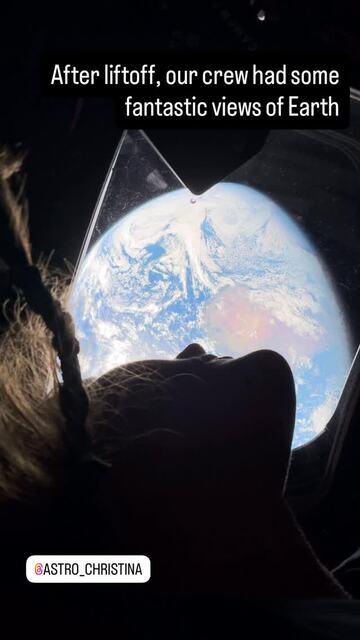
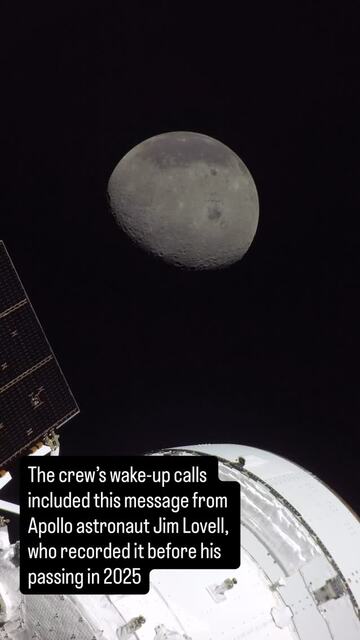
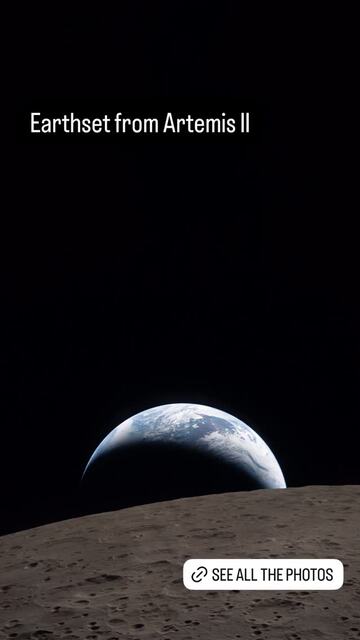
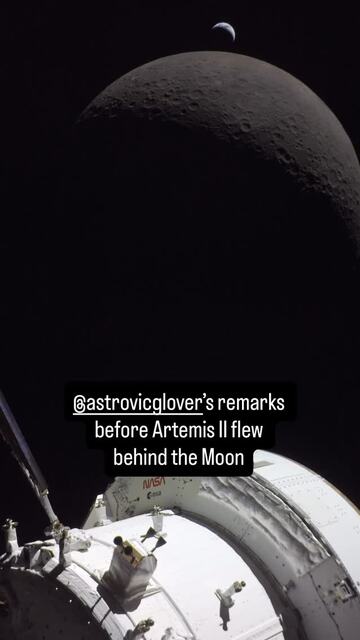
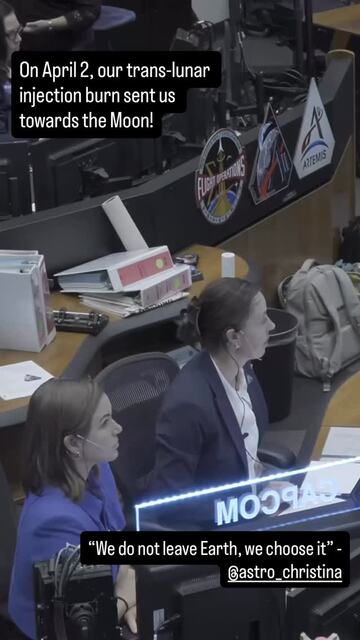
One real @nasa highlight, ready to save

A saved @nasa lookup, captured 5 Nov 2026. Pick Artemis II, keep its 11 clips ticked, and choose how they come back.

11 clips · 1 ZIP

@nasa5 highlights89 itemsSample · captured 5 Nov 2026

1 · Pick a highlight

  • Roman9 items
  • Wallpapers38 items
  • Artemis III20 items
  • Artemis II11 items
  • MoonTunes11 items

2 · Choose how to save Artemis II

Single clips need no sign-in · a highlight ZIP needs a free account (up to 20 files, 300 on Pro)

11 clips · packs in your browser

Real covers and numbers from a public @nasa lookup. The progress bar is an illustration.

Three ways to save a highlight

nasa-artemis-ii.zip11 files · posting order · not re-encoded

The clips you pick, as one ZIP

Every clip and photo you ticked, in one file. Each one is numbered in posting order, such as artemis-ii-01.mp4 to artemis-ii-11.mp4, so nothing gets shuffled when you unzip it. You do not get a pile of files you did not ask for, because you choose what goes in.
One merged video

Every ticked clip joined in posting order into one vertical MP4, made in your browser.

Single clips

Open the highlight and save only the clip you want, one at a time.

Make a poster of every highlight

Just want to look? Instagram Highlights Viewer

Without watermark, in original quality

Single clips and ZIP files are the exact files Instagram serves, not re-encoded, and MuteView adds no watermark. That is the highest quality Instagram keeps for a story, HD included, so there is no separate high quality setting: the @nasa clips we measured came in at up to 1080×1918.

The merged video

The merged video is the one file we build, because joining clips needs a new video: 720×1280 at 30 frames a second, with each clip's own sound and no watermark. For the best quality of one clip, save it on its own or in the ZIP.

How to download Instagram highlights

  1. 1Paste a usernameA username or the profile link
  2. 2Pick a highlightEvery highlight, with its item count
  3. 3Tick the clips you wantAll ticked by default
  4. 4Choose how to save themSingle clips, a ZIP or one video

Downloading questions

Short answers first. Every section of this guide is folded into the list.
No highlights· The profile is public but has nothing saved under highlights. The lookup is not charged.
No account with that name· Check the spelling, or paste the profile link instead.

Private account

Highlights on private accounts are only visible to approved followers. No website can show them.

Can I download someone else's Instagram highlights?

Yes, if the account is public. Type their username, pick a highlight and save it. Private accounts are only visible to approved followers, so no website can download them.

Can I download a whole Instagram highlight at once?

Yes. Leave every item ticked and choose ZIP. Every clip and photo comes in one file, numbered in posting order.

How do I save Instagram highlights to my iPhone camera roll?

Download the clip in Safari; it lands in the Files app. Open it there, tap Share and choose Save Video or Save Image to put it in Photos. A ZIP opens in Files with one tap.

Can I download only some clips from a highlight?

Yes. Untick the clips you do not want before you download the ZIP, or save single clips one at a time.

Is it anonymous? Will the owner know I downloaded their highlight?

Yes, it is anonymous. MuteView reads the public profile from its own servers without signing in to Instagram, so the owner is not notified and your account never shows up. To only watch, view Instagram highlights instead.

All 24 questions →
Does a highlight video keep its music?

A video clip keeps the sound in the file Instagram serves, so a song mixed into the clip comes with it, and the merged video keeps each clip's sound. A story Instagram serves as a photo saves as a JPG, which has no sound. For a Reel's song on its own, use Instagram to MP3.

Can I download a highlight cover?

Not as a single file. The cover poster saves every highlight cover on a profile, with titles and item counts, as one PNG. Covers are small cropped thumbnails, so for a sharp picture save the story the cover was taken from.

Can I download Close Friends stories from a highlight?

No. Close Friends stories show only to the people on the owner's list, inside their own Instagram accounts. MuteView never signs in, so it sees only what a logged-out visitor sees.

Can I download highlights from a private account?

No. Private highlights are only visible to approved followers, so no website can get them.

How far back can I download highlights?

As far back as the highlight goes. Highlights stay on a profile until the owner removes them, and every item still in the highlight can be downloaded.

Why does a highlight have photos as well as videos?

Highlights are made from stories, and stories can be photos or videos. Photos download as JPG; in a merged video each photo is shown for 3 seconds.

How many highlights can I download for free?

Guests get 2 free lookups a day and signed-in users get 5. One lookup covers a profile's highlights for the next hour: opening them and downloading from them does not use more.

Is there an APK, an app or a Chrome extension?

No. MuteView is a website, so there is no APK, app, Chrome extension or Telegram bot to install; the merged video is built in your browser and nothing is uploaded.

Can I download my own Instagram highlights?

Yes. Type your own public username, pick a highlight and save it as a ZIP numbered in posting order, or save single clips; no Instagram login is needed.

Can I download all Instagram highlights at once?

There is no bulk download of a whole profile in one click: MuteView saves one highlight at a time, as a ZIP or one merged video. To cover every highlight, repeat for each one; one lookup covers a profile's highlights for an hour.

Is it safe to download Instagram highlights from a website?

MuteView never asks for your Instagram password or logs in as you. It reads public profiles only, and the merged video is built in your browser, so nothing is uploaded.

Can I repost highlights I download?

Save other people's highlights for your own reference. The clips belong to the account that posted them, so ask the owner before you repost or reuse them.

Who downloads highlights, and why

Brands and marketers studying competitors

Brands keep reviews, shipping info and sale announcements in highlights. A ZIP of a competitor's highlights is a dated archive to compare when they change them.

Creators backing up their own highlights

Accounts get hacked, restricted or deleted. A ZIP of each highlight, in posting order, is a backup you can re-upload in the same order.

Editors and fan accounts

The merged video drops into an editor as one file, and single clips keep the quality you see in the app.

Highlights, stories and posts: what is the difference

A story disappears after 24 hours; a highlight is a set of stories the owner pinned under their bio, so it stays until they remove it. That is why a highlight downloader works on stories months or years old, and why you get a mix of photos and short videos. Posts and Reels live on the profile grid and need a post or Reel downloader.

What each result tells you

Not every lookup ends in a download, so we always say why:

  • No highlights. The profile is public but has nothing saved under highlights. The lookup is not charged.
  • Private account. Highlights on private accounts are only visible to approved followers. No website can show them.
  • No account with that name. Check the spelling, or paste the profile link instead.
  • Our side failed. We could not reach Instagram just now. Try again in a minute; a failed lookup is not charged.
Single clip, ZIP or merged video: which one should I pick?
Option Best for What you get
Single clip One moment you want to keep One MP4 or JPG, as Instagram serves it
ZIP Backing up or archiving a highlight Your ticked items, numbered in posting order
Merged video Watching or sharing the highlight as one story One vertical MP4
Make a poster of every highlight

The cover poster saves every highlight cover on a profile, with titles and item counts, as one PNG; for @nasa that is five covers in one image. It is a quick way to keep what a brand has pinned, for a mood board, a pitch deck or a competitor file.

Quick answer

MuteView is a free Instagram highlight downloader: type a public username, pick a highlight, tick the clips you want and save them one by one, as a single ZIP, or joined into one video, with no Instagram login.

Key facts:

  • Files come as Instagram serves them, not re-encoded, numbered in posting order.
  • Also makes a poster of every highlight cover on the profile.
  • Free: 2 lookups a day as a guest, 5 when signed in; downloads from a lookup do not use more.

Sign in and keep everything you find

  • 5 lookups a day
  • Share links that don’t expire
  • Your lookups and downloads, saved in Studio
Free · no card needed
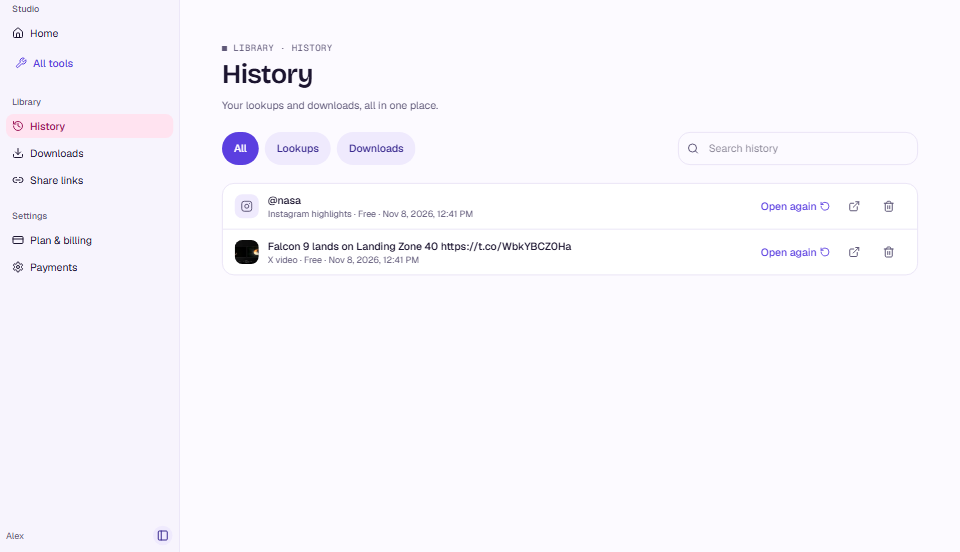
MuteView Studio: History lists your lookups and downloads, each with Open again
Studio · History

More Instagram tools

All Instagram tools

Instagram Audio Downloader· Save a public Reel's sound as M4A or MP3.
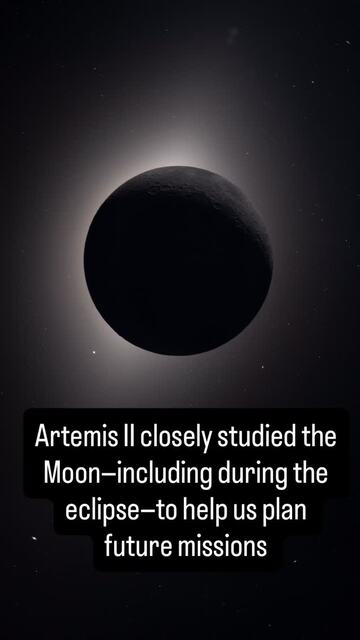
The Moon during the eclipse, a frame from @nasa's Artemis II highlight
View

Instagram Highlight Viewer

Watch each highlight and see its links, music and dates.