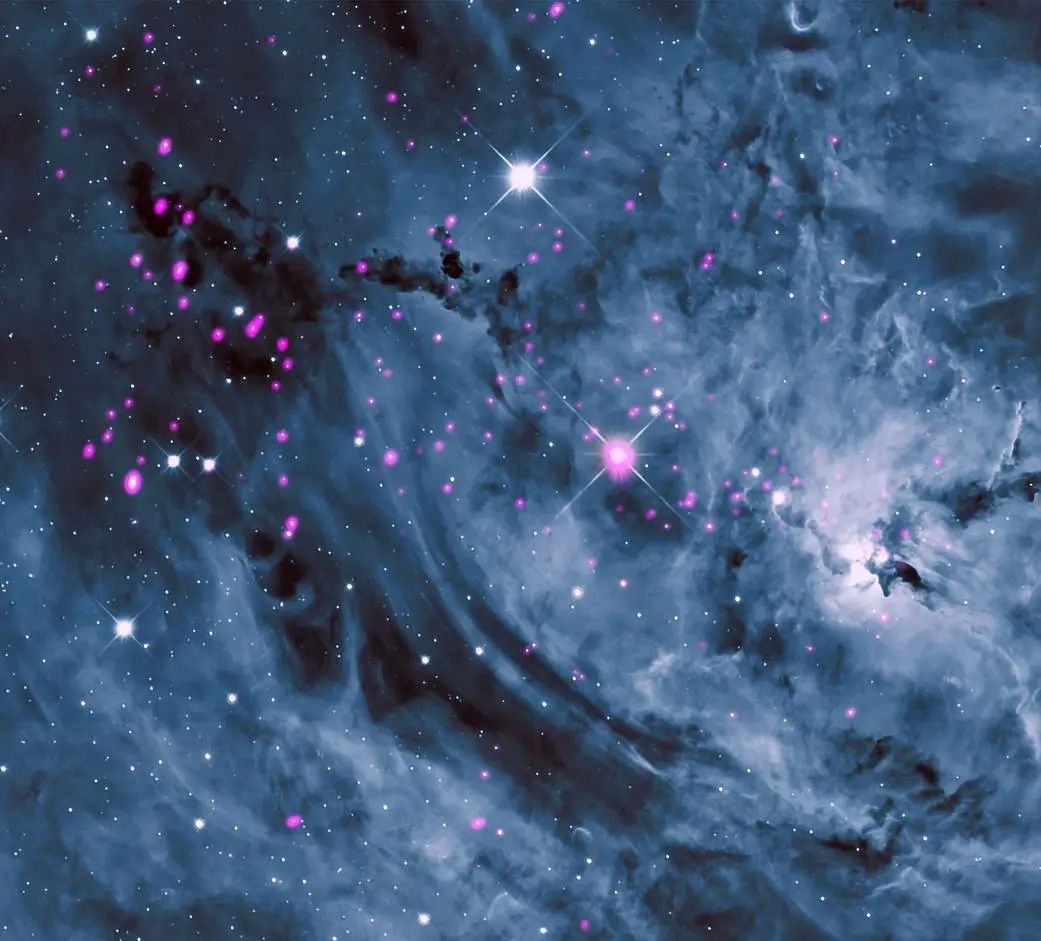
 X header 1500×500
- iPhone
- Android
- Desktop
- X header 1500×500
Make it a wallpaper
Crop a photo for iPhone, Android, a desktop or an X header (1500×500).
X · Free · Original quality, up to 4K
Paste an X post link to see every photo at the full size X stored, up to 4096 px on the long side, before any compression. Enter an @username for a whole account's photo wall.
Try:
: 5 lookups a day and share links that don't expire.
Also free: Twitter ViewerTwitter GIF DownloaderInstagram Highlight ViewerWe saved the same photos at every size and measured them. Drag the slider to compare.
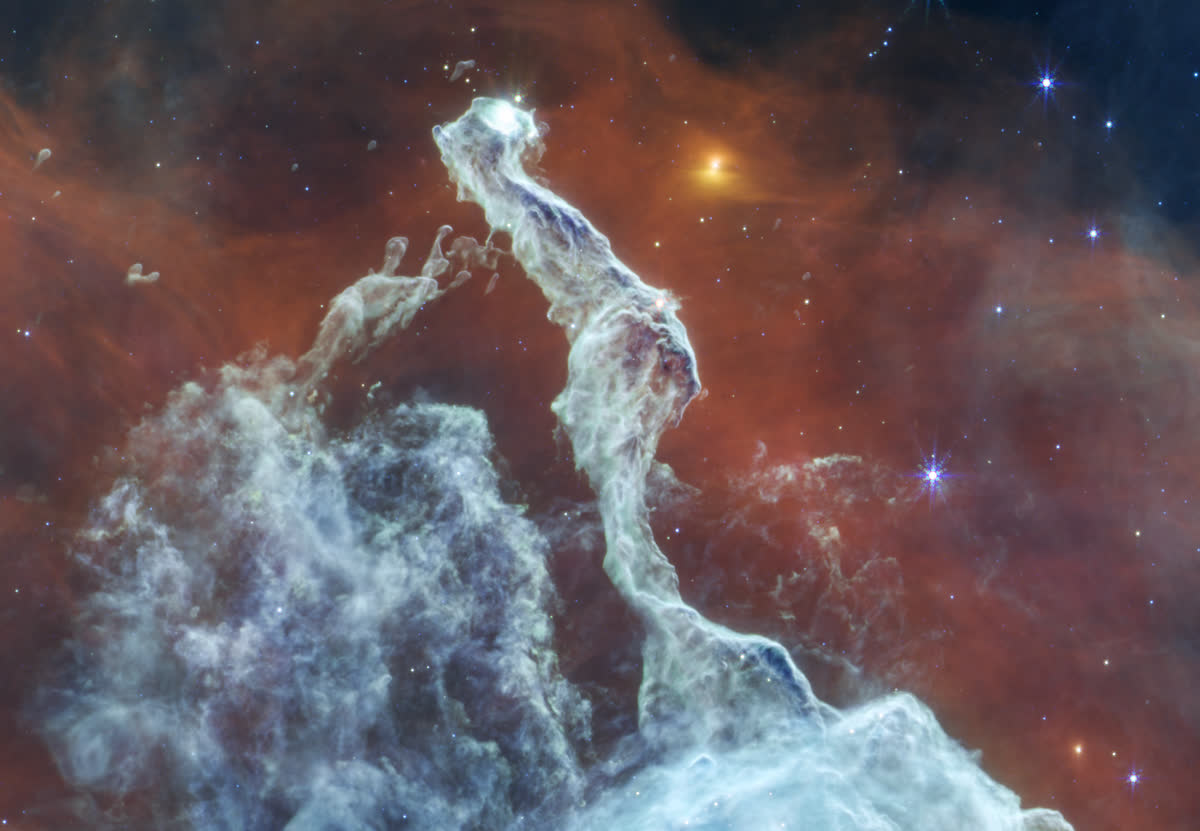
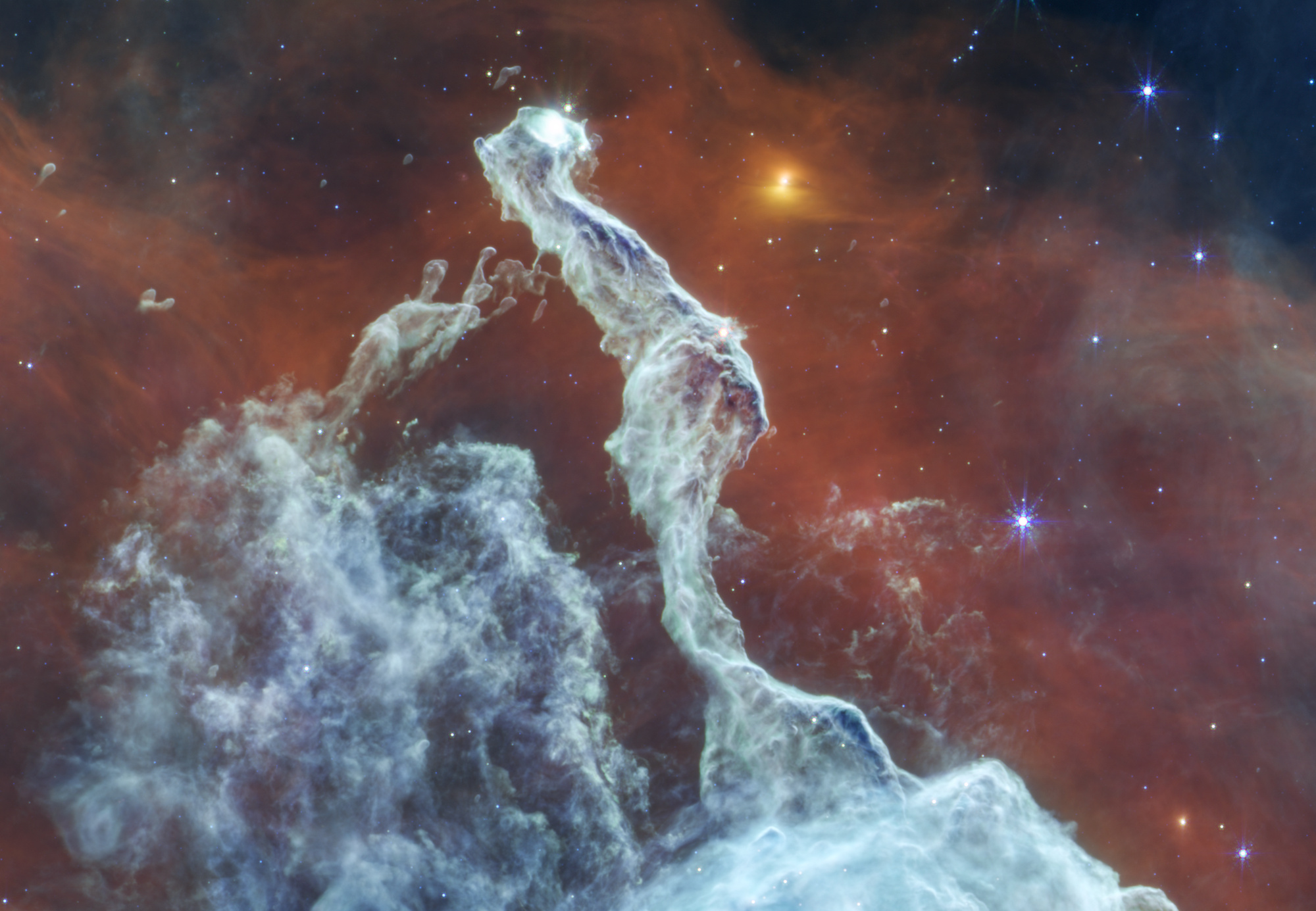 Original · 2000 × 13851200 px preview
We saved the @NASA Cat's Head Nebula photo at every size X keeps on November 8, 2026. This photo was uploaded at 2,000 px, so Large and Original are the same file: 5.7 times the size of the timeline copy. Across 61 @NASA and @SpaceX photos we measured on November 6, the original was a median 3,000 px wide; the widest was 8,000 px. Method: the photo fetched with name=small, medium, large and orig from X's image server; width read from the file, size in bytes.
X header 1500×500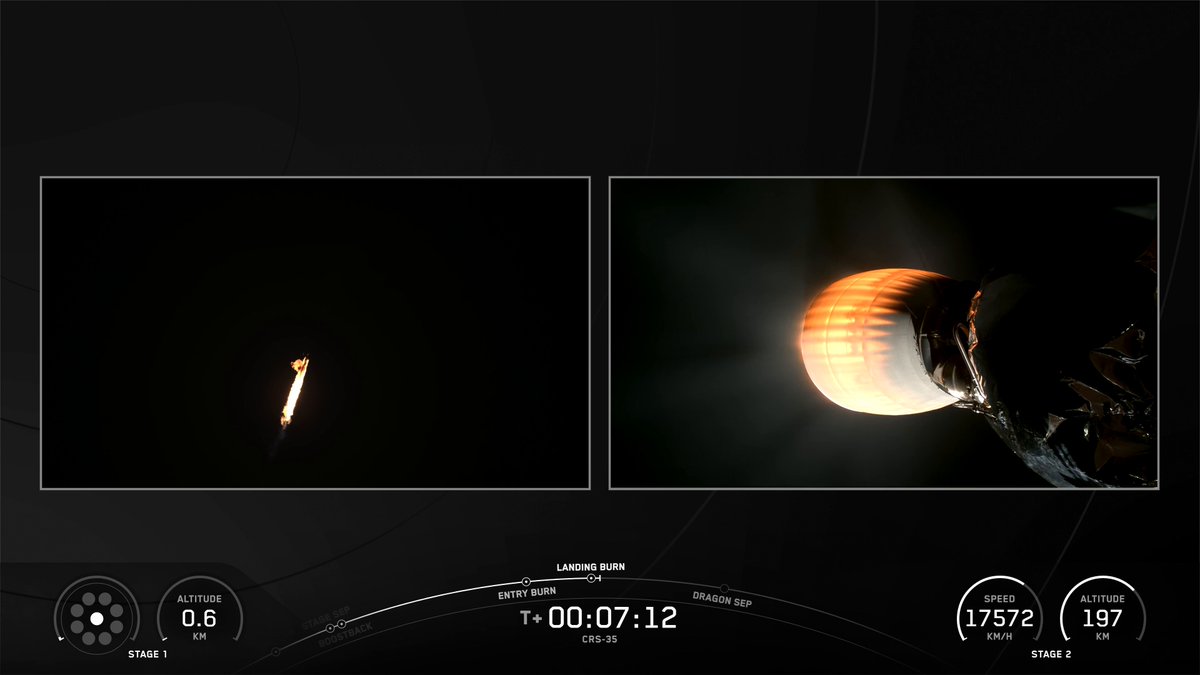
Open the Twitter video downloader to save a post's video as an MP4.
Twitter Video Downloader →The account is protected
Only approved followers can see those posts. Ask the owner to send you the photo.
Tick the photos you want and press Download: one photo saves as itself, two or more come as one ZIP. A free account packs up to 20 photos per ZIP; Pro packs up to 300.
A post link loads every photo in the post, up to four, plus the photos of a post it quotes. This is free and doesn't use a lookup.
Typing an @username loads the account's latest 60 posts and pulls out every photo; it uses 1 lookup and needs a free account. The first 20 are ticked on Free; untick some, or pack the rest in a second ZIP.
A thread isn't loaded as one piece: paste each post's link. Every file is named with the account, date, post ID and photo number, like SpaceX_2026-10-16_2110960995703341477_1.jpg, so they sort in order. The ZIP also holds manifest.csv with each photo's post link, date and alt text.
SpaceX_images.zip
Save JPG: it is the file X keeps, byte for byte. Pick PNG only when an app asks for it; it is far larger, not sharper. We don't make WebP.
| Format | Good for | What this page does |
|---|---|---|
| JPG | Almost everything: phones, editing, printing | Saves X's original file untouched. Our sample photo saved at 951,411 bytes, exactly X's size |
| PNG | Apps that only take PNG, or editing without another round of JPG loss | Converts the JPG in your browser. Same pixels; the sample grew to 9.5 MB |
| WebP | Websites that want small files | Not offered. X can serve a WebP copy, but it is compressed again: 88 KB against the 114 KB JPG in our test |
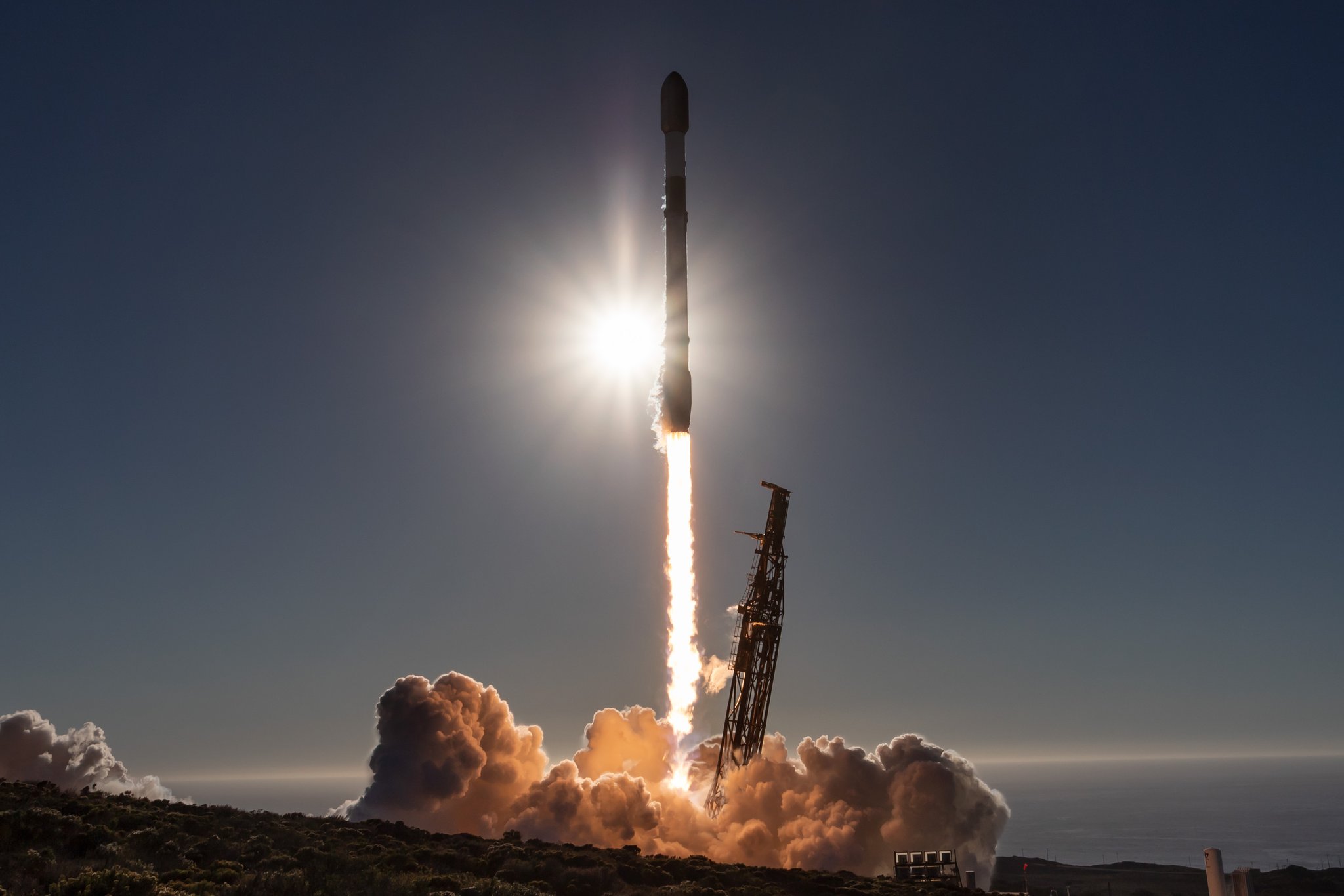
No. On November 8, 2026 we saved photo 1 of the @SpaceX USSF-481 post through this page as JPG and as PNG, from a live lookup and from the sample, and checked the post's other three originals and the @NASA Cat's Head original too.
We read every metadata block in each file, the JPEG header segments and the PNG chunks, with our own script and again with ImageMagick. None held EXIF, XMP, IPTC or GPS data. Our November 6 check of 61 originals found the same: X strips it at upload.
A web tool like this one gets the original file X keeps, with nothing to install. Right-click saves whatever size the page happened to load, and a screenshot only captures your screen.
| Way | Quality | Many at once | Install | Privacy |
|---|---|---|---|---|
| This page | The original (name=orig), size shown first | ZIP of up to 20 free, 300 with Pro | Nothing | No X login; files are made in your browser |
| Browser extension | Often the original; depends on the extension | Some save a whole page | Yes | It can read the X pages you open |
| Right-click, Save image | The size the page loaded, often not the original | One at a time | Nothing | Stays in your browser |
| Screenshot | Your screen's resolution, compressed again | One at a time | Nothing | Stays on your device |
Right-click is fine for a quick look. For the full-size file or many photos, use a downloader; an extension only pays off if you save from X daily and trust its maker.
Whichever way you save, the photo still belongs to its owner; ask before using it commercially.
These photos can't be shown
This post is from a protected account, so its photos can't be shown.
Saving a GIF instead? Twitter GIF Downloader HD →
MuteView is a free Twitter (X) image downloader that saves photos in the original size X stores and shows each photo's real size before you save. It can also download a whole account's photos as one ZIP.
Yes. Each photo saves at X's orig size, the full file kept from the upload, not the resized copy the X app shows. The badge shows the exact width, height and file size first.
Yes. Enter the @username, untick what you don't need and press Download. It covers up to the latest 60 posts and uses 1 lookup.
Not in one go. A post link loads that post and any post it quotes, not the replies below it. Paste each post of the thread in turn; the file names keep them in order.
A quoted post's photos, yes: they come after the post's own photos, marked Quoted post. Profile pictures and header banners aren't saved here; this page saves photos posted in posts.
No. Nothing is added to the photo: a JPG is X's own file, byte for byte. Only the palette card you make yourself carries a small MuteView line.
No. Files saved through this page on November 8, 2026 had no EXIF, XMP or GPS data, so no location, camera model or capture time. X removes it when the photo is uploaded.
No. X doesn't notify anyone when a photo is downloaded, and your X account is never used.
No. Protected posts are visible only to approved followers inside X.
Never. You only paste a post link or an @username.
Yes. Saving from a single post link is free and doesn't use a lookup. Loading a whole account uses 1 lookup, and a free account includes 5 lookups a day. Paid plans are listed under Pricing.
Yes. In Safari, tap a photo's save button and it lands in Files › Downloads. If nothing happens, press and hold the photo, then tap Save to Photos.
Every photo on X is stored at several sizes. The app and website usually show the large size, which caps the longest side. This downloader asks for the orig size instead, the full file X kept from the upload.
Original photos can be up to 4096 px on the long side; a photo uploaded small stays small.
You can also pick a smaller size before saving:
| Size | What you get | Good for |
|---|---|---|
| Original | The full stored file, often the camera or export size | Printing, editing, archiving |
| 4096 | Longest side up to 4096 px | Big screens, most wallpapers |
| Large | The size the X app shows | Sharing in chats |
The badge on each photo shows the size you will get, read from the file before you press save.
X never stores more than the uploaded file, so a photo posted small stays small at every size.