Instagram Highlight Downloader
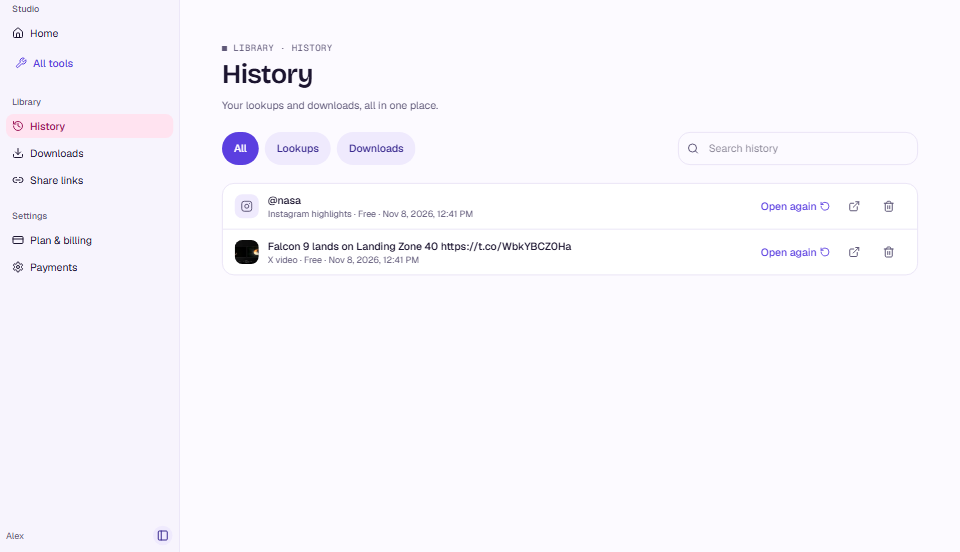
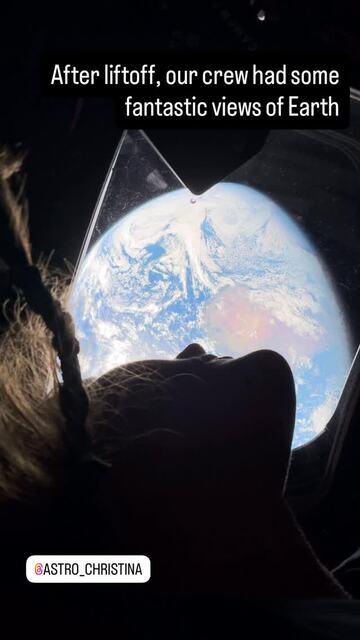
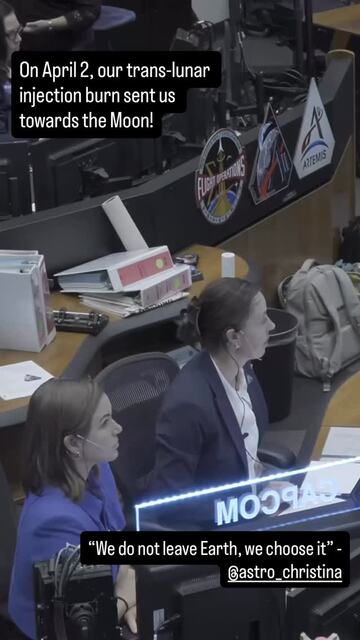
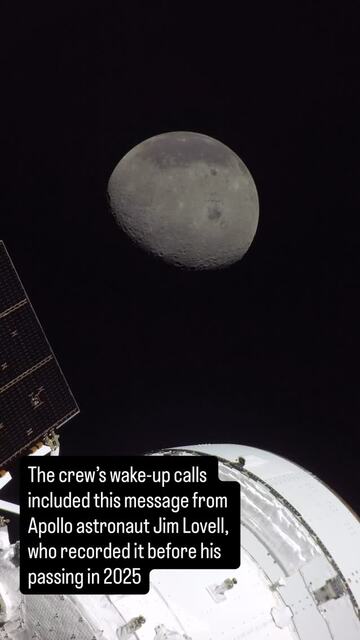
A whole highlight as one ZIP: Artemis II, 11 clips
View public profiles and highlights without an Instagram account, and save public media where the source allows it.
: 5 lookups a day and share links that don't expire.
 @natgeo· 1 highlight · 6 items
 @nasa · Wallpapers· 38 items · April to August
Watch every highlight, with the links, music and dates inside.
@nasa5 highlights · 89 items · sample captured 5 Nov 2026
 Roman9 items
 Wallpapers38 items
 Artemis III20 items
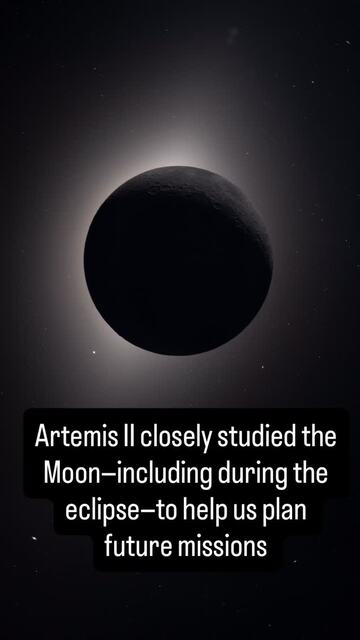
 Artemis II11 items
 MoonTunes11 items
A whole highlight as one ZIP: Artemis II, 11 clips
A Reel's sound as uploaded: HE‑AAC 72 kbps, 48 kHz
Two real accounts, side by side, from the Highlight Viewer's compare view.
@nasavs @natgeoWorks with @username, instagram.com/username and profile links shared from the app.
Coming from X? All X tools →
No. Type a public username or paste a profile link; no Instagram login is needed.
No. MuteView opens highlights from its own servers and never uses your Instagram account, so the owner's viewer list cannot show you.
No. A private account is visible only to the followers its owner approved, so MuteView shows public profiles only.